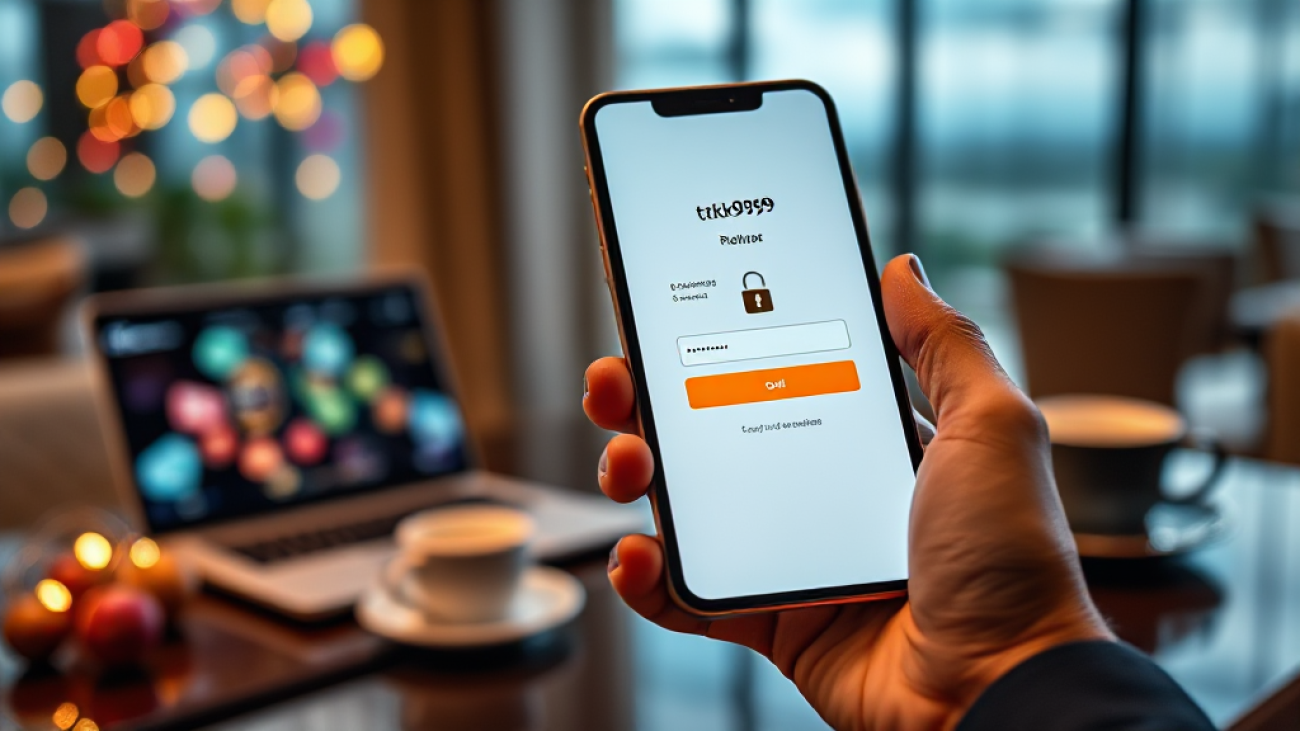
Securing Your tk999 Account: Habits That Actually Help
Every account you create online starts with a single decision: the password you choose. For anyone using tk999, that first decision matters more than most people realize. A strong, unique password is the foundation on which every other security habit is built. If that foundation is weak, no amount of caution elsewhere will fully protect you. If it is strong, you have already closed the easiest door an attacker might try. This article walks through practical security habits, one at a time, that genuinely reduce risk for your tk999 account and the personal data connected to it.
Security is not a single product you install once. It is a set of repeated behaviors. The good news is that once these behaviors become routine, they take almost no mental effort. The goal here is not to make you paranoid. The goal is to make you boring to attackers, because a well-protected account is simply not worth their time.
Habit One: Build a Password That Cannot Be Guessed
Most account breaches do not involve sophisticated hacking. They involve someone guessing, reusing, or finding a password that was already exposed somewhere else. That is why the single most effective habit is using a long, unique password for tk999 that you do not use on any other website.
A good password is long before it is complicated. Length defeats brute-force guessing far more effectively than swapping letters for symbols. A passphrase of four or five unrelated words, with a few numbers and a capital letter mixed in, is both stronger and easier to remember than a short string of random characters. Avoid anything tied to your name, your birth year, your phone number, or the word “password” in any form.
The habit part is this: never reuse that password. If you use the same credentials on a forum, an email account, and your tk999 account, then a breach at any one of those places puts all of them at risk. Attackers routinely take leaked username and password lists and try them across many platforms. A unique password breaks that chain completely.
If remembering many passwords feels impossible, that is normal. This is exactly why password managers exist. A reputable password manager generates long random passwords, stores them encrypted, and fills them in for you. You only need to remember one strong master password. This turns a difficult habit into an easy one.
Habit Two: Lock the Devices That Hold Your Account
Your tk999 account lives on your phone, tablet, or computer. If someone can pick up your unlocked device, they may not even need your password. Many apps and browsers keep sessions active, meaning a person holding your phone could open the platform and act as you.
The habit here is simple and mechanical: lock every device with a PIN, password, pattern, or biometric check, and set the lock to trigger quickly when the screen turns off. A short auto-lock delay, something like thirty seconds or one minute, closes the window in which a lost or borrowed device becomes a liability.
Beyond the basic lock screen, review which apps can access your messages and notifications. If your tk999 account ever sends a verification code by SMS or email, a notification preview on a locked screen could expose that code to anyone nearby. Turning off message previews on the lock screen is a small setting change with real protective value.
Finally, keep your device operating system updated. Security patches for phones and computers are released regularly, and many of them fix flaws that attackers actively exploit. Delaying updates leaves known holes open. Enabling automatic updates removes the need to remember this at all.
Habit Three: Recognize Phishing Before You Click
Phishing is the attempt to trick you into handing over your login details or personal information by impersonating a trusted service. It arrives through email, text messages, social media messages, and even phone calls. Because it targets people rather than systems, it bypasses most technical defenses. Your attention is the defense.
The core habit is to slow down whenever a message asks you to log in, verify an account, claim a bonus, or confirm a payment. Urgency is the most common tool in a phishing attempt. Messages that threaten account closure or promise a reward if you act immediately are designed to stop you from thinking. Treat urgency itself as a warning sign.
Before clicking any link, check where it actually leads. On a computer, hover over the link to see the real destination. On a phone, press and hold the link to preview the address. Look closely at the domain. Attackers use addresses that resemble the real one with small changes, such as a different ending or a misspelled word. A safer approach is to ignore the link entirely and navigate to the platform yourself through your own bookmark or by typing the address directly.
Be equally careful with unexpected requests for codes. If someone contacts you claiming to be support and asks for a verification code, that is almost always an attempt to take over your account. Legitimate support teams do not need your one-time codes. Never share them with anyone, no matter how official the request sounds.
Habit Four: Separate Your Gaming Identity From Your Main Email
Your email address is the recovery key to nearly everything you do online. If an attacker gains access to your main email, they can often reset passwords across many services, including your tk999 account. Reducing how widely that main address is exposed is a quiet but powerful habit.
Consider using a separate email address for gaming and betting platforms. This address becomes the contact point for account notifications and password resets, while your primary email stays reserved for banking, work, and personal correspondence. If the gaming address ever appears in a data leak, your most sensitive inbox remains untouched.
Whichever address you use, protect it with the same care as your tk999 login. A strong unique password and, where available, two-factor authentication on the email account itself create a second layer that attackers must get through before they can even attempt a password reset.
It also helps to review account activity periodically. Most email providers show recent login locations and devices. If you see a session you do not recognize, change your password immediately and sign out of all devices. Catching an intrusion early limits the damage it can cause.
Habit Five: Manage Sessions, Logins, and Shared Networks
Every device you log in from leaves a session behind. Over time, those sessions accumulate on phones, laptops, and public computers. Managing them is a habit worth building, because an old session on a device you no longer control is an open door.
Get into the routine of logging out when you finish using a shared or public computer. Never leave a session active on a device that other people can access. If the platform offers a way to view active sessions or sign out of all devices, use it whenever you change your password or suspect anything unusual.
Public Wi-Fi deserves caution as well. Networks in cafes, airports, and hotels are convenient but not always trustworthy. Avoid logging into sensitive accounts on networks you do not control. If you must, use a trusted virtual private network, or simply wait until you are on a connection you trust. Mobile data is often the safer choice for quick logins.
Keep an eye on your account notifications too. If the platform alerts you to a new login, a password change, or a withdrawal you did not make, treat that message as urgent and verify it through the platform directly rather than through any link in the message.
Habit Six: Keep Recovery Details Current and Private
Account recovery is the safety net that catches you when something goes wrong. If your recovery email or phone number is outdated, you may find yourself locked out with no way back in. If it is exposed, it becomes a target for attackers.
Set aside a moment every few months to confirm that your recovery details are accurate. Update them whenever you change phone numbers or email addresses. Choose recovery options that only you can access, and avoid using shared family addresses or numbers that others can read.
Store any recovery codes or backup information somewhere secure and offline, such as a written note kept in a safe place or an encrypted vault. Do not keep them in a plain text file on your desktop or in an unsecured note app.
Finally, remember that security is cumulative. Each habit on this list adds a layer, and layers work together. A strong password protects a locked device, a locked device protects an email account, and a protected email account protects your ability to recover everything else. You do not need to be a security expert. You only need to repeat a few good behaviors until they become automatic.
Frequently Asked Questions
How often should I change my tk999 password?
There is no fixed rule that fits everyone. The more useful habit is to change your password immediately whenever you suspect it has been exposed, whenever you notice unusual account activity, or after logging in from a shared device. Otherwise, a strong unique password can serve you well for a long time, especially if you use a password manager.
What should I do if I think my account has been compromised?
Act quickly. Change your password from a trusted device, sign out of all active sessions if that option exists, and check your recovery email and phone number to make sure they have not been altered. Review recent account activity for anything you do not recognize. If you reused that password anywhere else, change it there too.
Are verification codes safe to share with anyone?
No. One-time verification codes are meant for you alone. No legitimate support representative, moderator, or official channel needs to know your code. Anyone asking for it is attempting to bypass your account protection. Keep every code private, every time.
Is it safe to log in on public Wi-Fi?
It carries extra risk because you cannot verify who else is on the network. If you must log in away from home, prefer your mobile data connection or a trusted virtual private network. Avoid accessing sensitive accounts on open networks you do not control.